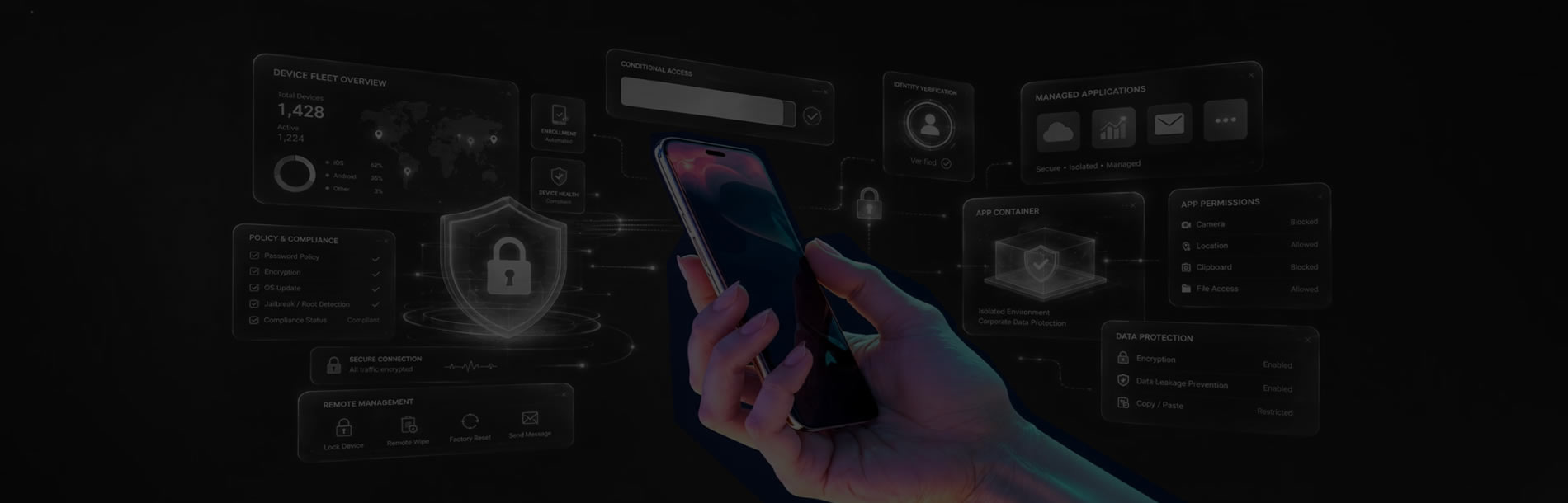
Enterprise Mobility Management for iOS & Android

Secure and Manage Business Mobile Devices
Businesses increasingly use mobile devices to access corporate applications and data. eScan Enterprise Mobility Management (EMM) helps organizations securely manage iOS and Android devices under Company Owned Device (COD) and Bring Your Own Device (BYOD) policies.
With centralized management and policy-based controls, eScan EMM helps keep business and personal data separate while enabling mobile productivity without compromising enterprise security.
Centralized management for iOS & Android enterprise devices
Challenges of Managing Mobile Devices in Business
Mobile devices improve productivity, but lost, stolen or compromised devices can expose business information. EMM provides centralized controls to reduce these risks.
A lost or stolen mobile device can expose corporate information unless access and data can be controlled remotely.
Personal and business data on the same device needs separation and appropriate security policies.
Organizations need control over applications and content deployed to managed mobile endpoints.
Malware, phishing and operating-system vulnerabilities can put mobile devices and corporate data at risk.
Administrators can use location-based controls to apply policies according to defined geographic boundaries.
Centralized enrollment, grouping and policy deployment simplify administration across multiple mobile devices.
Powerful Enterprise Mobility Management Features
Manage mobile endpoints, applications, security policies and enterprise content from a centralized platform.
Mobile Device Management
Create groups, tasks and policy templates, enroll devices and deploy policies to Android and iOS endpoints.
Mobile Threat Defense
Detect and analyze malware, phishing attempts and OS vulnerabilities with real-time threat alerts.
Two-Factor Authentication
Add two-step verification to the eScan Cloud web console for stronger administrator access security.
Enterprise App Management
Deploy and manage applications from enterprise app stores, including silent installation and removal where supported.
Content Library
Deploy business documents such as PDF, DOC, XLS, PPT, TXT and common image formats to managed devices.
Anti-Theft & Geo-Fencing
Remotely block or wipe devices, locate devices and apply policies automatically within defined geographic boundaries.
COD, BYOD and Kiosk Mode
Company Owned Device (COD)
Centrally manage enterprise-provided devices and apply security policies, business applications and device controls.
Bring Your Own Device (BYOD)
Create a separate work profile so employees can use the same device for personal and business purposes while keeping enterprise data separated.
Kiosk Mode
Restrict enterprise devices to a single application or a predefined set of applications and control selected hardware functions.
Benefits of Enterprise Mobility Management
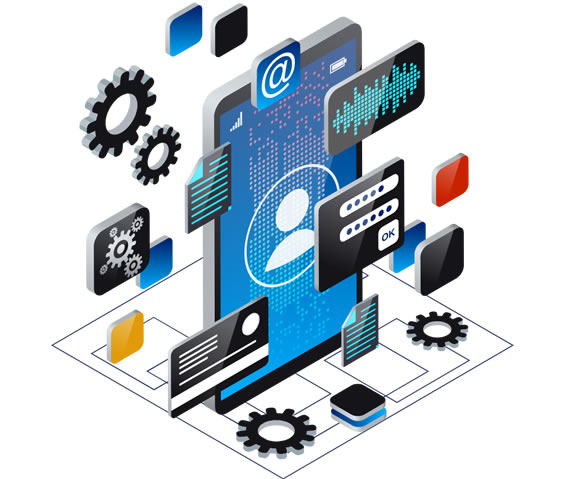
eScan EMM at a Glance
Enroll devices as COD or BYOD, organize them into groups, move devices between groups and deploy policies through centralized management.
Detect and analyze mobile malware, phishing attempts and OS vulnerabilities, with threat alerts and severity information to support faster response.
Deploy applications from supported enterprise app stores and distribute work-related documents to managed devices through the web console.
Remotely block or wipe a device, send a message, locate devices and activate configured policies when a device enters a defined geographic area.
Other Highlights
- Deploy, manage and protect Company-Owned Devices and BYOD devices.
- Apply device controls remotely.
- Install or uninstall applications without user intervention where supported.
- Define customized passcode policies for enrolled devices and work profiles.
- Restrict enrolled devices to listed Wi-Fi networks.
- Protect enterprise data and enhance mobile workforce productivity.
Frequently Asked Questions
Enterprise Mobility Management helps organizations manage and secure mobile devices, applications, data and policies from a centralized platform.
Yes. eScan EMM supports BYOD by creating a work profile that separates enterprise applications and data from personal information.
The source specifies support for Android 7.0 and above and iOS 12.0 and above. Rooted and jailbroken devices are not supported.
The Anti-Theft feature supports remote blocking and wiping, messaging, locating and other commands through the eScan Anti-Theft Portal.
Manage Mobile Devices with Confidence
eScan Enterprise Mobility Management helps organizations secure Android and iOS devices, manage applications and policies, protect enterprise data and support secure BYOD and COD deployments.
Contact Us Today